

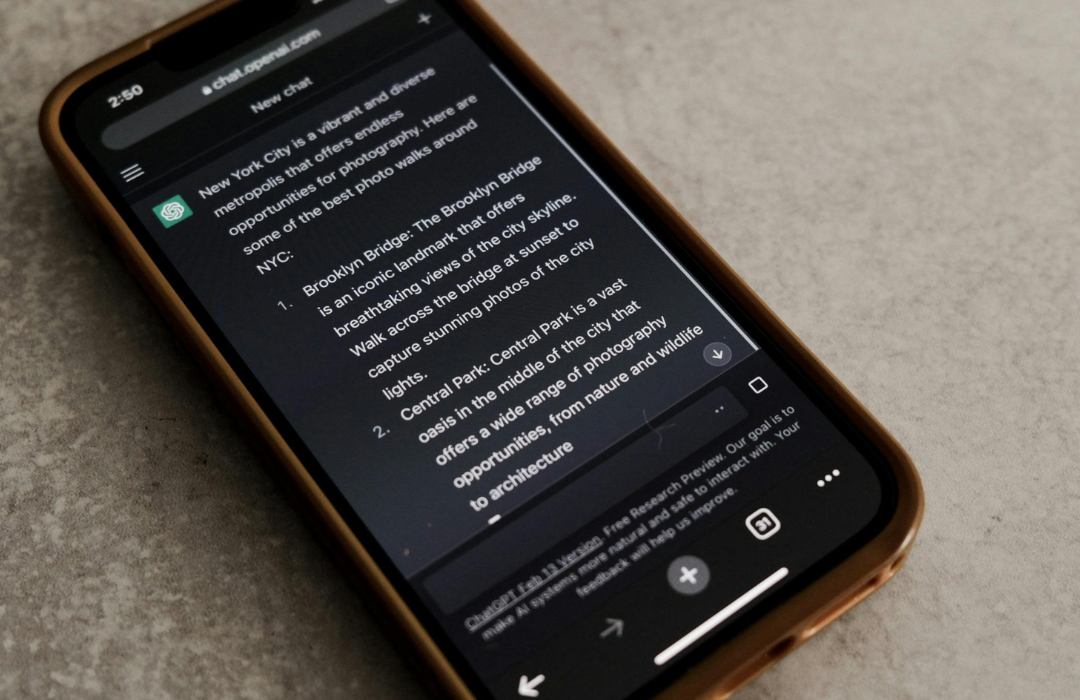
Canva & ChatGPT: What You Can Do
In today’s fast-paced digital landscape, businesses and creators are constantly looking for ways to work smarter, not harder. Enter Canva and ChatGPT two of the most powerful tools in the content creation ecosystem. On their own, each tool is powerful. But when combined, they unlock a creative workflow that is faster, more efficient, and capable of producing stunning results with minimal effort.
Here’s a deep dive into how you can supercharge your content production by using Canva and ChatGPT together.
1. Generate Ready-to-Use Designs from ChatGPT Prompts
ChatGPT can help you ideate and structure content, while Canva lets you bring it to life visually. For example:
- Ask ChatGPT for five creative Instagram carousel ideas for your skincare brand.
- Then, use those ideas as the base for your Canva template.
- You can take it a step further by asking ChatGPT for caption ideas, hashtag suggestions, or call-to-action text.
This way, you go from concept → content → design in a seamless workflow.
2. Build Visual Content Faster with Canva’s AI Features
Canva now includes built-in AI-powered tools such as:
- Magic Write (for automated copy within Canva Docs)
- Text to Image if you’re short on visuals
- Magic Design, which turns rough ideas into design options
Paired with ChatGPT, you can use it to write copy for flyers, brochures, captions and then drop those outputs right into Canva.
3. ChatGPT as Your Script and Content Assistant
Need a video script for a new ad campaign or an explainer video?
- Use ChatGPT to create the script.
- Import the text into Canva’s video editor.
- Add voiceover with Canva’s AI audio features (or use your own voice!).
This enables full content workflow from scripting to editing, without needing expensive software or a production team.
4. Team Collaboration for Small Businesses
With Canva’s real-time collaboration and ChatGPT’s ability to assist with brainstorming, teams can now co-create:
- Brand kits
- Social media calendars
- Pitch decks
- Newsletters
For example, a marketing team can get ChatGPT to suggest monthly content ideas and walk them through building an action plan, while the design team uses Canva to create visuals, presentations, and downloadable assets.
5. Build an Automated Funnel for Content Marketing
When used together, you can set up a content creation engine:
- Use ChatGPT to generate educational or promotional blog content.
- Turn that content into a downloadable PDF or infographics using Canva.
- Promote the assets across social channels, landing pages, and email.
This creates a consistent loop of content and visual assets that builds your audience and drives conversions perfect for SMMEs working with limited budgets or bandwidth.
The combination of Canva and ChatGPT empowers creators and businesses to design, write, and publish content faster than ever. Whether you’re posting to social media, drafting a sales deck, or designing a brand identity pack, this pairing reduces complexity and boosts productivity.
If you’re not already taking advantage of this workflow now is the time. Your next viral graphic, sales generator, or conversion-driving creative might be just one prompt and a Canva template away.